Notarize a document end-to-end
A complete walkthrough of the @notarize_document handle — from client invite to certified copy delivery.
On your Notary bot, run /publish_handle bp-not-notarize. The bot confirms:
Handle @notarize_document published on your bot.
Public URL: https://biznode.1bz.biz/h/notarize_document
Cost: 3 DZIT per invocation.
Send the client a link or QR. They open @biznode_bot and the bot guides them:
Bot: Please upload the document to notarize.
User: [uploads contract.pdf]
Bot: Document type? (Affidavit / PowerOfAttorney / Agreement / Deed)
User: Agreement
Bot: Signer ID (passport / national ID number)?
User: P1234567
Bot: That's 3 DZIT. Confirm? [Pay] [Cancel]
Client taps Pay. DZIT splits 70% (you) / 20% (referrer, if any) / 10% (protocol). You get a Telegram ticket with the submission ID, the document, and the signer's declared ID.
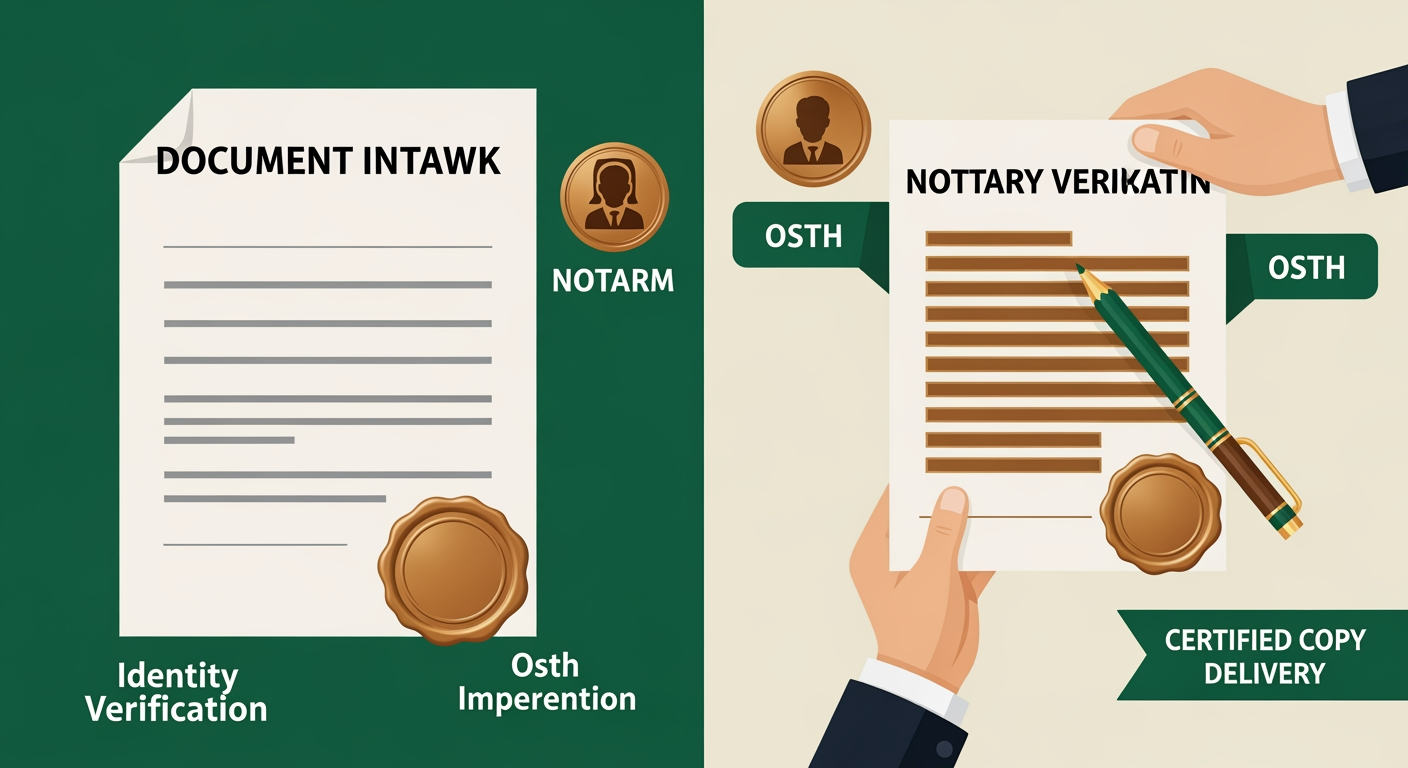
You verify the signer's identity (in-person, video call, or e-KYC depending on your jurisdiction), administer the oath or acknowledgement, affix your embossed seal and signature, and scan the notarized copy.
Close the ticket: /deliver <submission_id> <notarized.pdf>. The bot pushes the certified copy to the client, marks the handle submission delivered, and logs the event (document hash + seal timestamp) for your tamper-evident audit trail.